Inventory editors appear in the same “Choose edits” panel as the price editors, with two extra choices that matter — which location the change applies to, and why it happened.
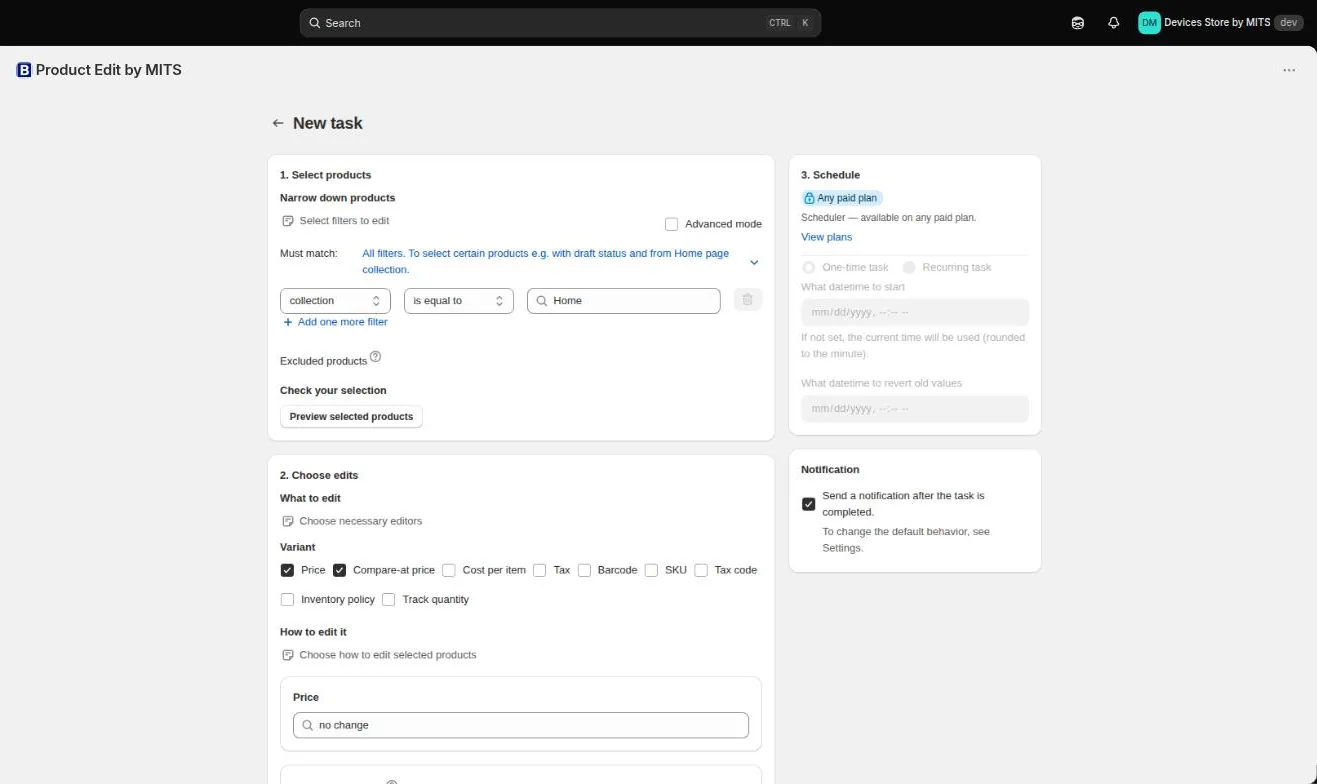
Step by step
- Filter the variants. Select by vendor, product type, SKU, barcode or inventory condition. Inventory work is variant-level, so filter accordingly.
- Choose the inventory editor. Tick inventory quantity, and inventory policy or track quantity if you are changing those too.
- Pick the operation. Set a quantity, or adjust it by an amount — increase for a delivery, decrease for breakage or a count correction.
- Choose the location. Inventory is held per location, so the edit needs to say which one.
- Choose a reason. Correction, received, restock, damaged, quality control, shrinkage and the other Shopify reasons are available — pick the one that is true.
- Preview and run. Check the variant list against your delivery note or count sheet, then run the task.
Follow the steps in your own store — the free plan covers ten products per task.
You will be redirected to the Shopify app store.
Inventory has its own per-task limit
Inventory items are counted separately from products and variants: 15 on Free, 1,500 on Basic, 7,500 on Standard and 105,000 on Plus. A large stocktake correction is what pushes stores up a plan.
Reasons are for your future self
Six months later, the difference between “shrinkage” and “correction” is the difference between a security question and a data-entry question. It costs nothing to pick the right one now.
Related tutorials
Bulk edit inventory on Shopify
Adjust quantities per location with reason codes, switch tracking, and stop overselling.
Read moreMulti-location inventory on Shopify
Location-aware inventory edits with Shopify’s reason codes.
Read moreKeeping Shopify inventory trustworthy
Ownership, reason codes and the untracked variants that quietly oversell.
Read more