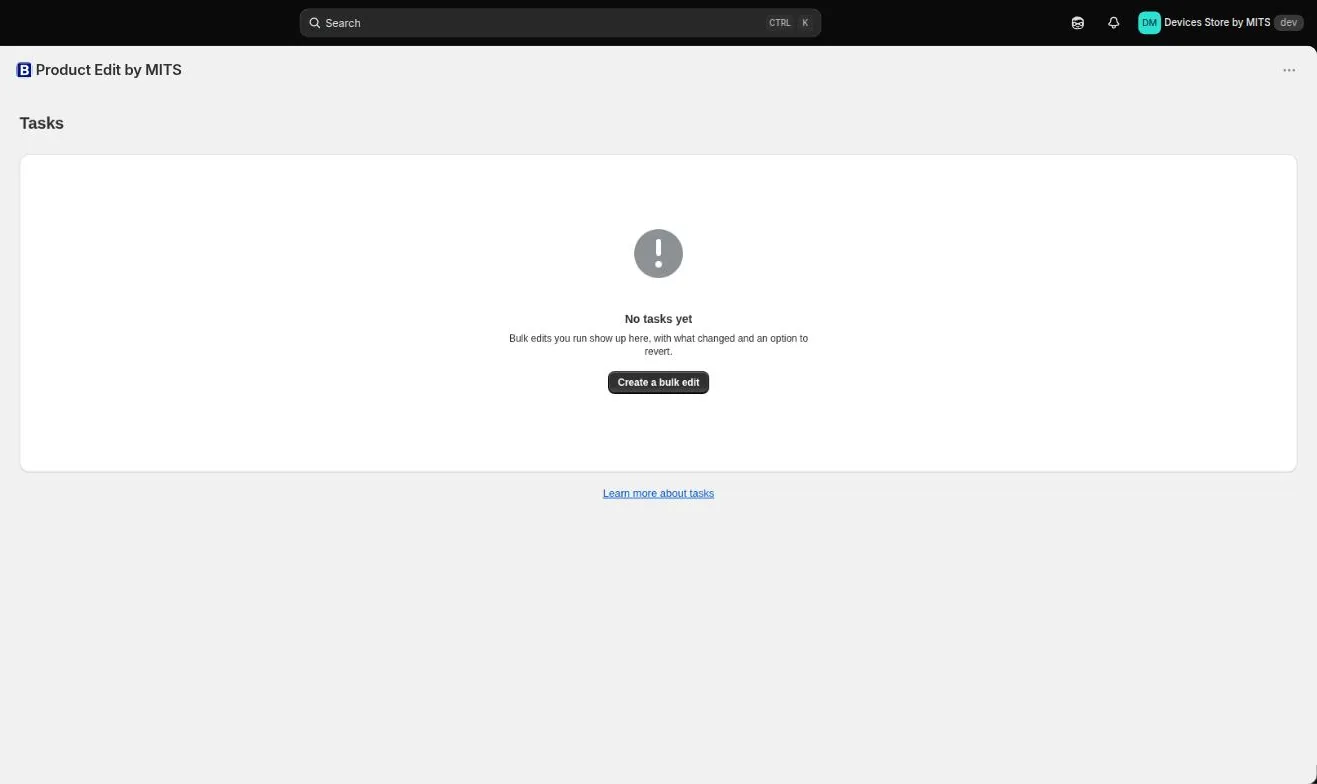
Finished tasks live in the Tasks screen. Each one holds a log of what it changed, and that log is what makes a revert possible rather than hypothetical.
Step by step
- Open Tasks. Choose Tasks in the app menu. Every task you have run is listed with its status and the number of items processed.
- Open the task. Open the one you want to inspect. The log lists product, variant, property, old data and new data.
- Read the skipped list. Items that were not changed appear separately with a service message explaining why.
- Revert. Use the revert action. The app writes the stored previous values back to the products it changed.
- Confirm. The task status moves through reverting to reverted, and the log records the rollback as well as the original change.
Follow the steps in your own store — the free plan covers ten products per task.
You will be redirected to the Shopify app store.
Why some items cannot be reverted
If a product changed after the task ran — by another task, another app or by hand — writing the old value back would destroy the newer one. The app skips those items and lists them instead of overwriting them silently.
History limits
Task history is kept for 30 days on Basic, 45 on Standard and 90 on Plus. The free plan does not keep history, so plan the rehearsal accordingly.
Related tutorials
Undo a bulk edit on Shopify
Revert a finished task manually or on schedule, and read what changed.
Read moreHow to bulk edit prices
Filter, editor, calculation example, result — a first price change end to end.
Read moreSeven bulk editing mistakes
The seven recurring failures, and the thirty-second check that prevents each.
Read more